
Smartphone Security Apps for Alarms, CCTV and Access Control
Your alarm, cameras and doors come with software written by the firms that built them. We install it, tie it to an account in your name, lock it down and support it.
Thousands of premises secured since 2017
The right app.
Set up for the people using it.
Advanced Overwatch is a certified partner and installer for Ajax and Orisec, our preferred intruder alarm partners. For CCTV systems, Advanced Overwatch is a certified partner and installer for Dahua and Hikvision, and a Dahua certified Integration Partner. For access control, Advanced Overwatch is a certified partner and installer for ABLOY.
We configure the manufacturer’s software for the equipment you have. Your account, authorised users and supported functions are checked together, from alarms and cameras to the chosen access-control system.
Explore the setup that matters to you:
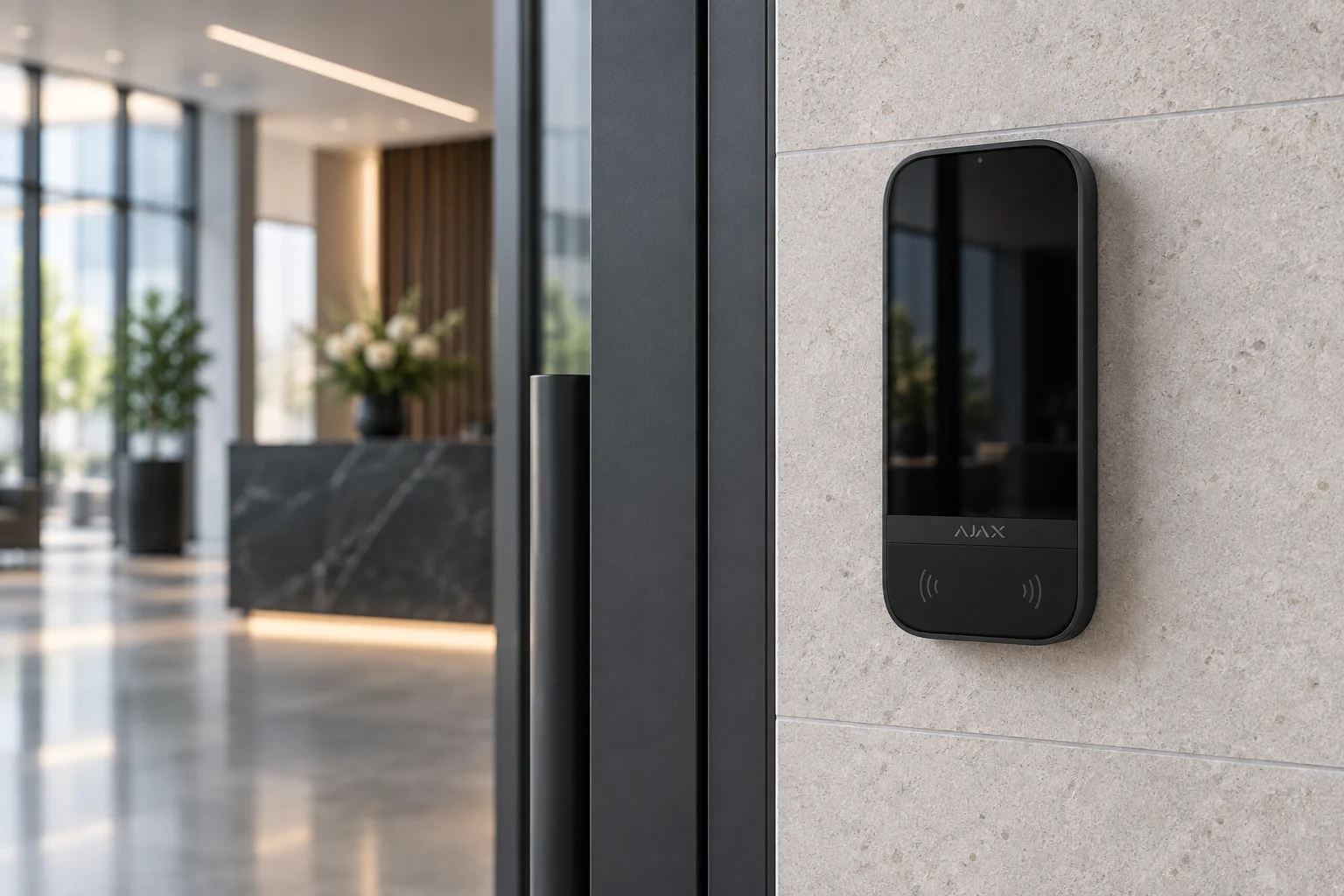
1. Alarm controls and notifications
Ajax and other supported alarm apps can provide setting, unsetting, part-setting, status and event information where the equipment and user permissions allow. We demonstrate the agreed functions on your own phone.
Notifications may use push, calls or messages where supported and configured. Phone permissions, connectivity and alert settings matter; no fixed number of taps or universal critical-alert behaviour is promised.
2. Camera viewing and playback
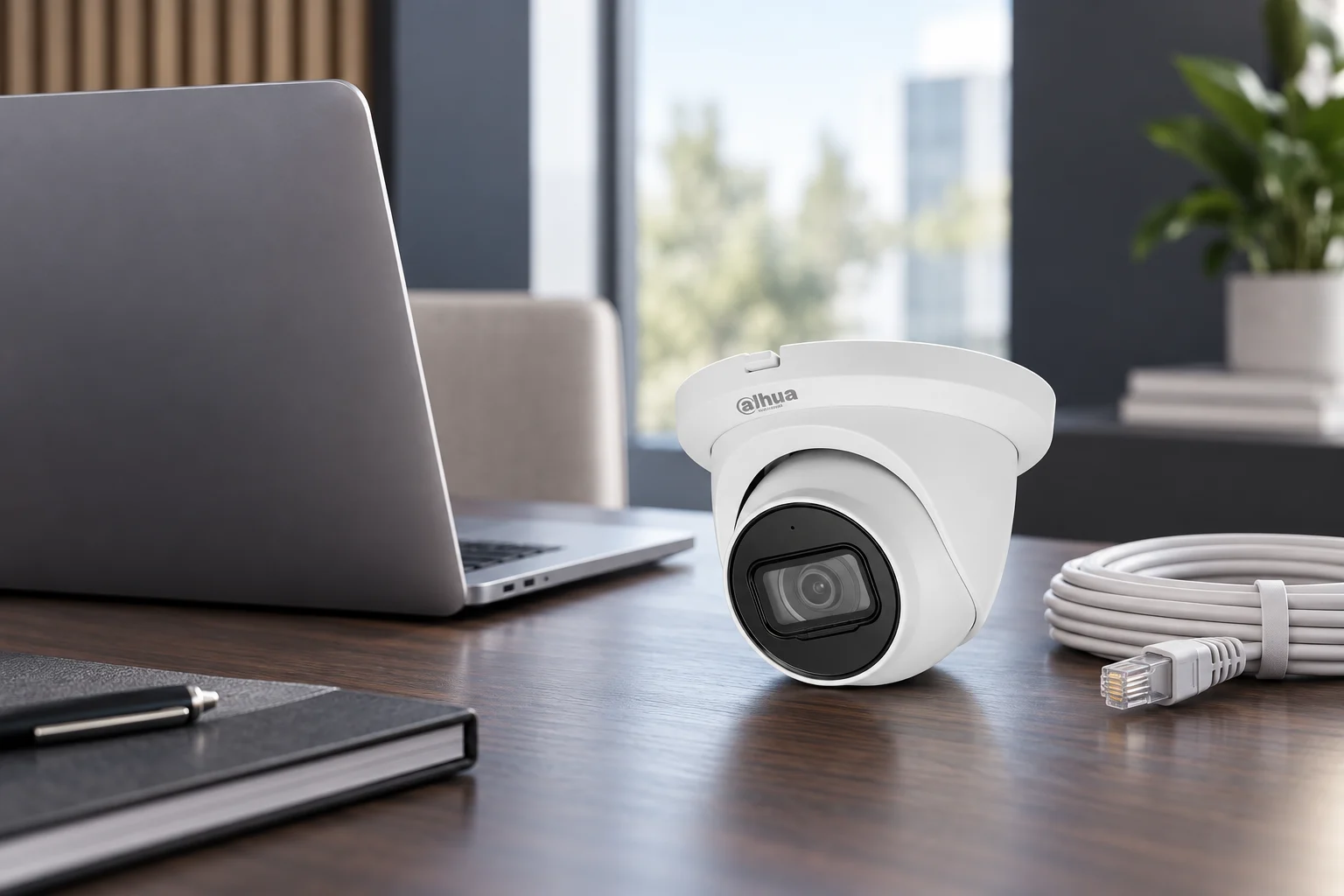
Hik-Connect for compatible Hikvision equipment and DMSS for compatible Dahua equipment can provide live view, recordings and event notifications. Available playback, audio and sharing features depend on the device, storage, account and configuration.
We explain the selected remote-access route and where recordings are stored. Using a manufacturer cloud or P2P connection does not mean that every recording is stored in that cloud.
3. Abloy mobile credentials and management
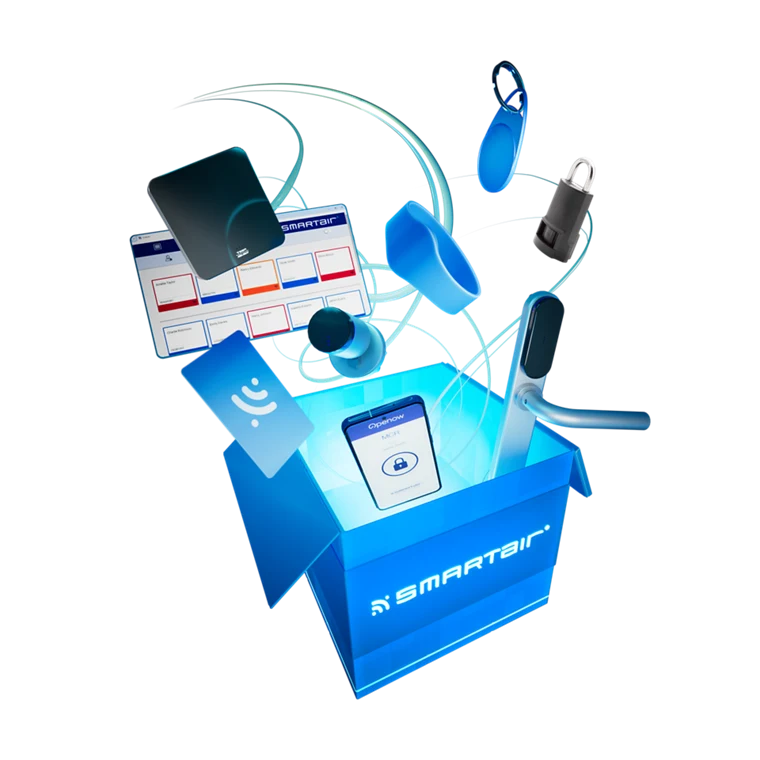
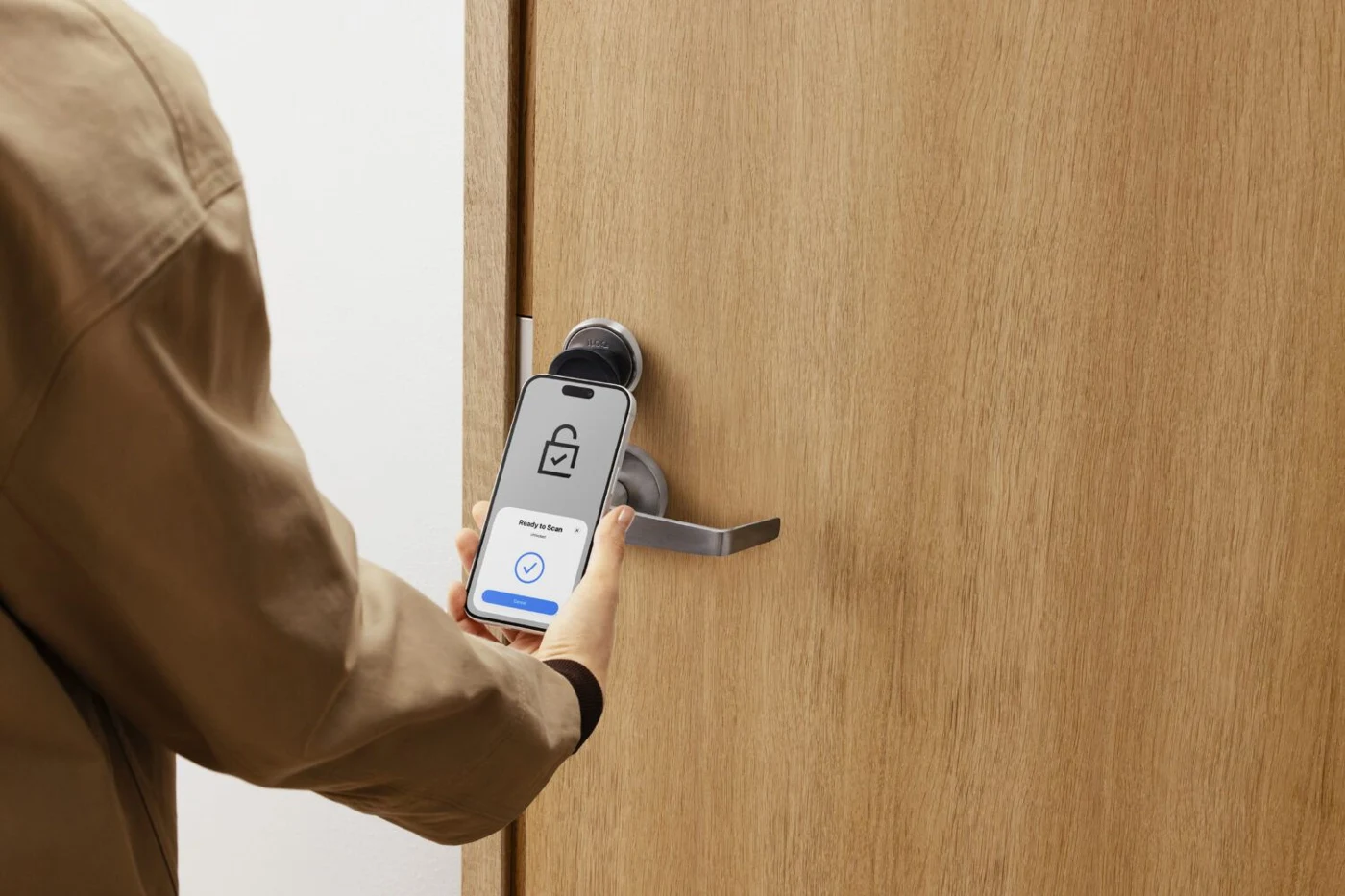
SMARTair can provide supported mobile credentials through Openow. The credential on a phone and the system used to administer permissions have different roles. Remote opening, timed access and changes reaching a lock depend on the selected setup.
Abloy EDS concerns controlled escape doors; Primo concerns compatible access management. They are not interchangeable names for a universal phone-key app. We assess the opening and the intended solution before confirming these functions.
4. iLOQ phone access
We cover the iLOQ range as a separate access choice. Supported phone-key solutions depend on the selected locks, phone requirements, permissions and system configuration. Physical credentials and management arrangements are selected for the actual users.
The method for issuing, updating and withdrawing rights varies by platform and how the lock receives changes. A credential log identifies the credential used, rather than conclusively proving who passed through the door.
5. Accounts, permissions and a usable handover
The main customer account stays under your control. We configure separate authorised users, suitable permissions and additional verification where supported. At handover, we demonstrate the functions included in your system and leave the relevant guidance.
If pictures or alerts stop, contact us with the device, app and symptom. Power, connectivity, permissions, phone settings and system configuration may all need checking. Some support can be remote; other faults need a visit. App and service terms vary.

Agree the response separately.
App access does not automatically include monitoring. Under an agreed service, compatible CCTV is handled by 24-hour NI CCTV Monitoring from Advanced Overwatch. Intruder and fire signals go to our monitoring partner’s NSI Gold certified Alarm Receiving Centre (ARC). The response follows the contracted arrangements.
AO does not offer its own app. The name on an app alone does not establish its security or account ownership, so we explain the actual provider, permissions and support arrangement. Read about monitoring.
Go further with your system.
Remote camera viewing
Explore how suitable cameras and recording connect to remote access.
Monitoring and response
Decide what should happen when a qualifying alarm reaches the agreed service.
Smartphone security app questions
Do you have your own Advanced Overwatch app?
We configure and support the manufacturer’s software for the installed equipment, rather than offering our own AO app. Examples include Ajax, Hik-Connect and DMSS, with the appropriate tools for the selected access platform. Account ownership, permissions and support matter more than whether an app also carries an installer’s branding.
Can I arm and disarm my alarm from my phone?
A compatible system and authorised app account can provide setting, unsetting and other supported controls. We demonstrate the functions available for your equipment, including any relevant status, zones and part-setting. Operation depends on the configuration, connection and user rights.
If I get alerts on my phone, do I still need monitoring?
App alerts and professional monitoring serve different purposes. Apps can notify authorised users by supported methods; someone must act on those alerts. An agreed monitoring service adds staffed assessment and escalation for qualifying signals. It is not automatically included when an app is installed.
Can I let a tradesperson in without being there?
Supported systems may allow remote release, a mobile credential or timed access, but these are different functions. Availability depends on the door or gate, platform, permissions and connection. Credential updates and withdrawal follow the chosen system; remote operation must respect the opening’s assessed safety arrangements.
Why has my CCTV app stopped showing live pictures?
Possible causes include equipment power, network connectivity, account permissions, app settings or system configuration. Tell us what you can see, which app/device you use and whether anything has changed. We can assess the fault and advise whether remote support or a visit is needed.
Get your security apps set up properly.
Book a survey to agree the equipment, users, supported functions and handover. Serving Northern Ireland since 2017.